







Deepak K RajeevVerified
10/26/2026
These LUTs made my color grading workflow so much faster in CapCut. Really happy with the cinematic results!
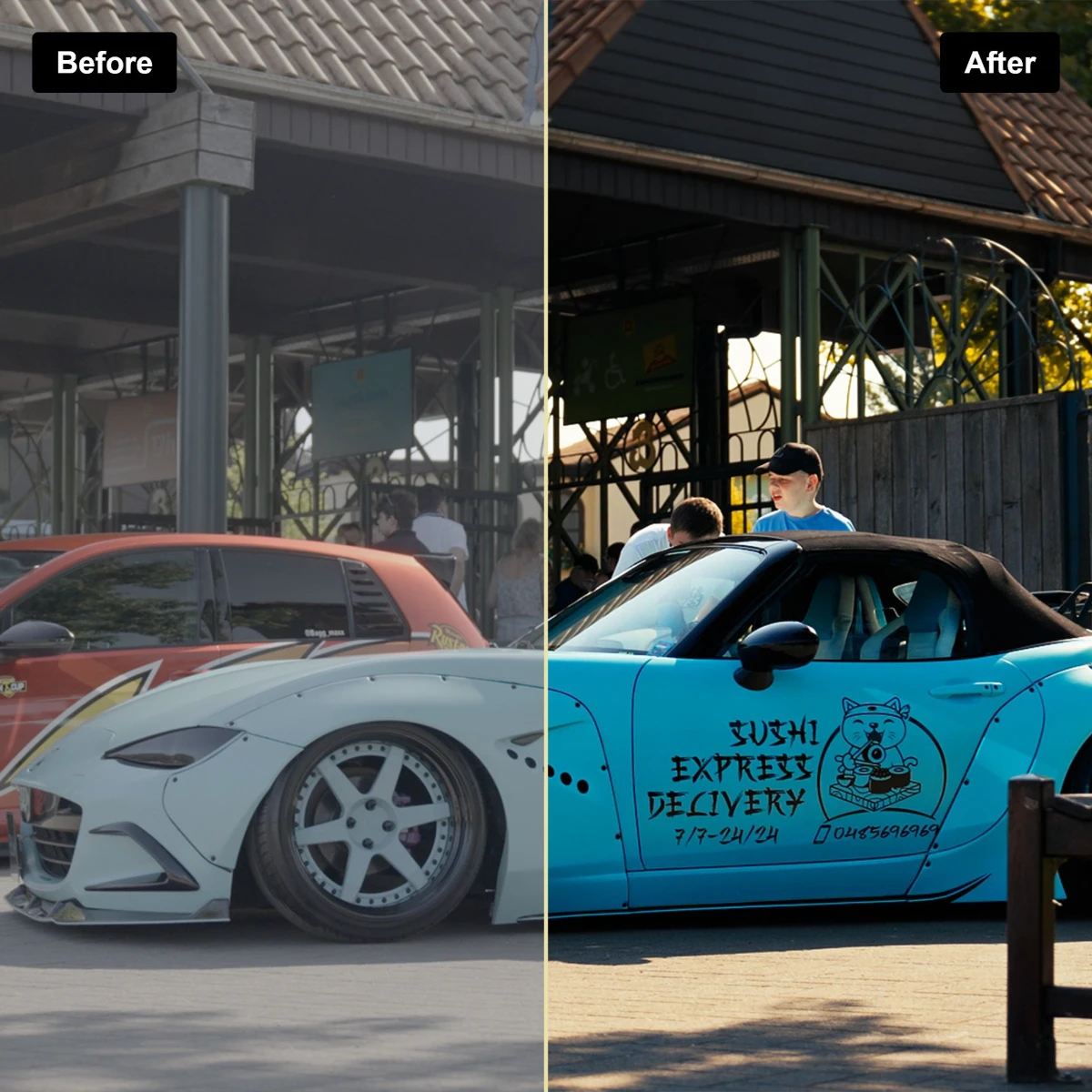
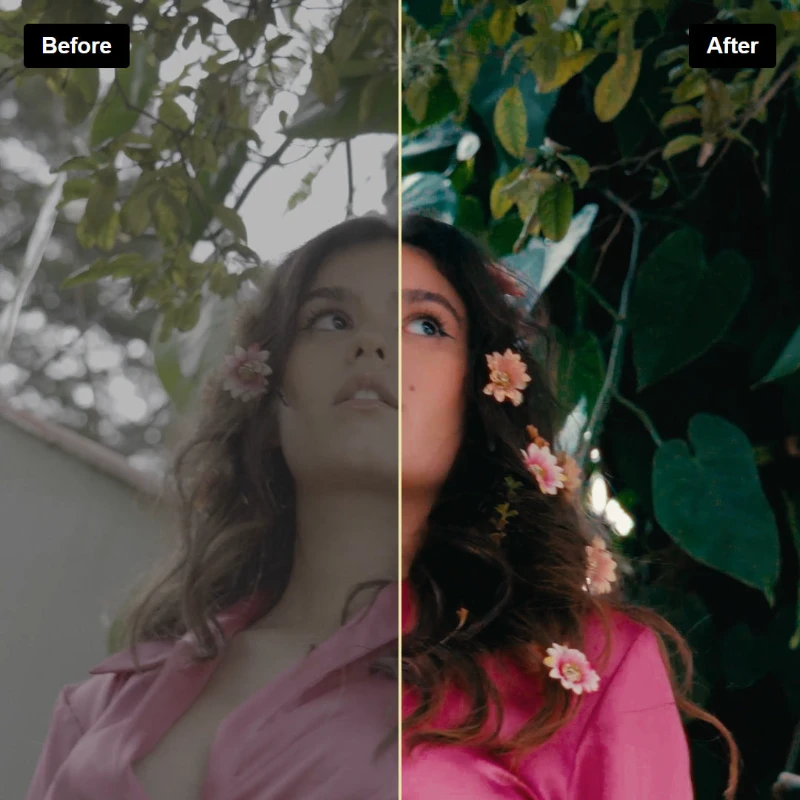
Save 77%
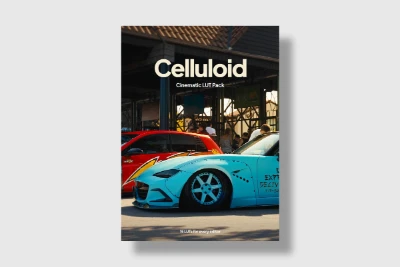
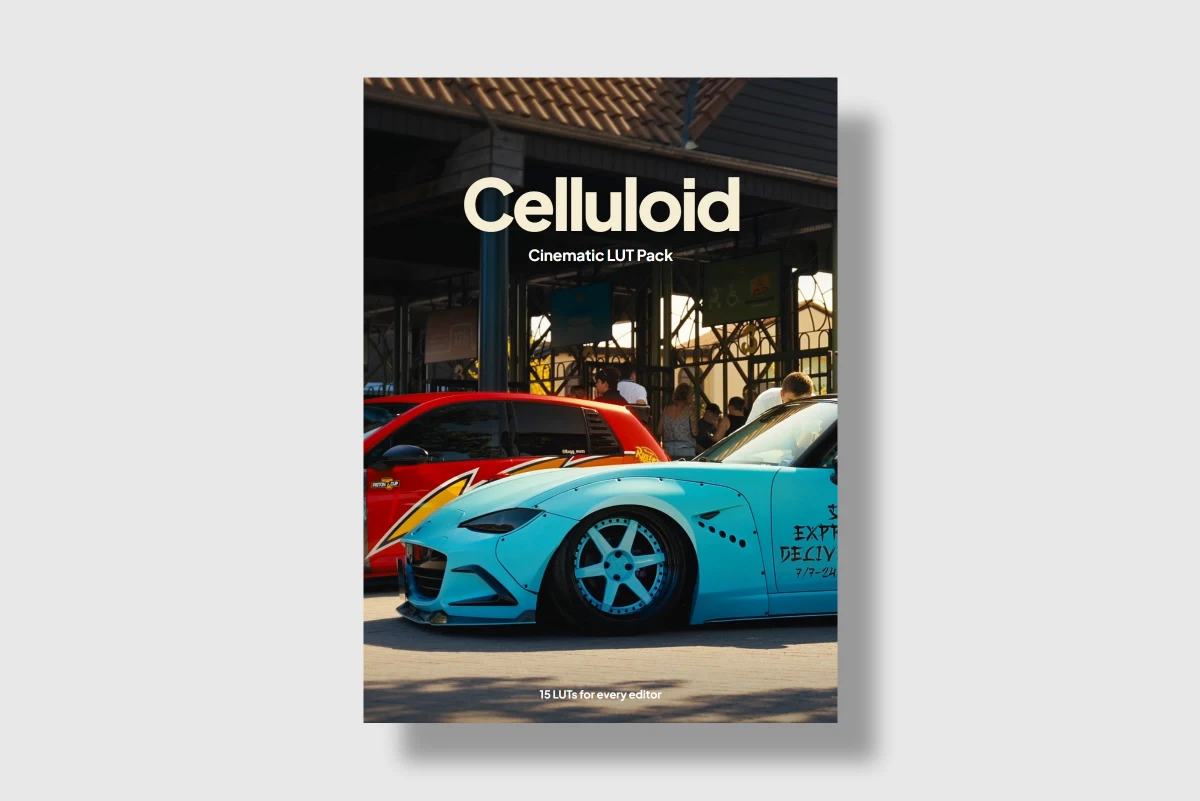
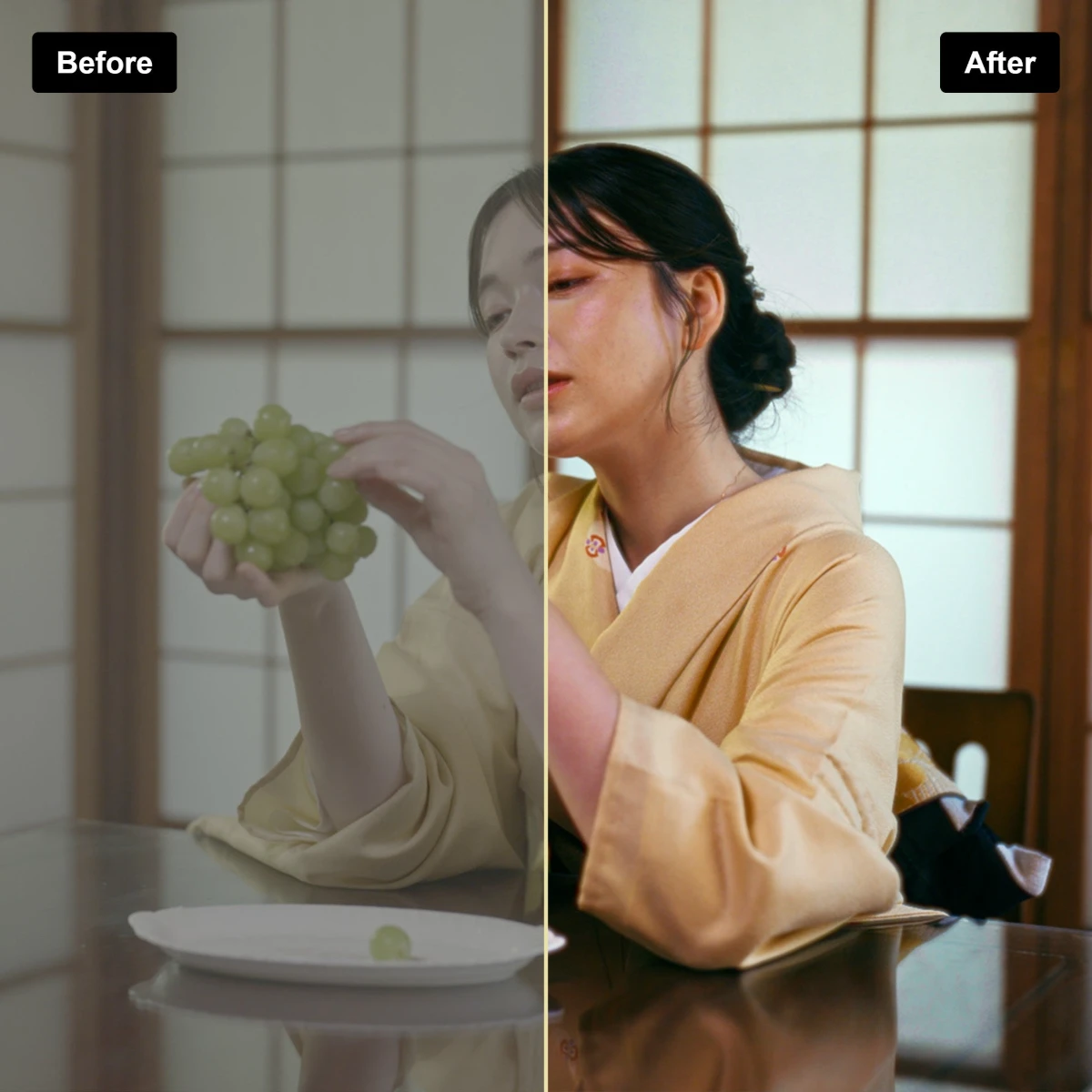
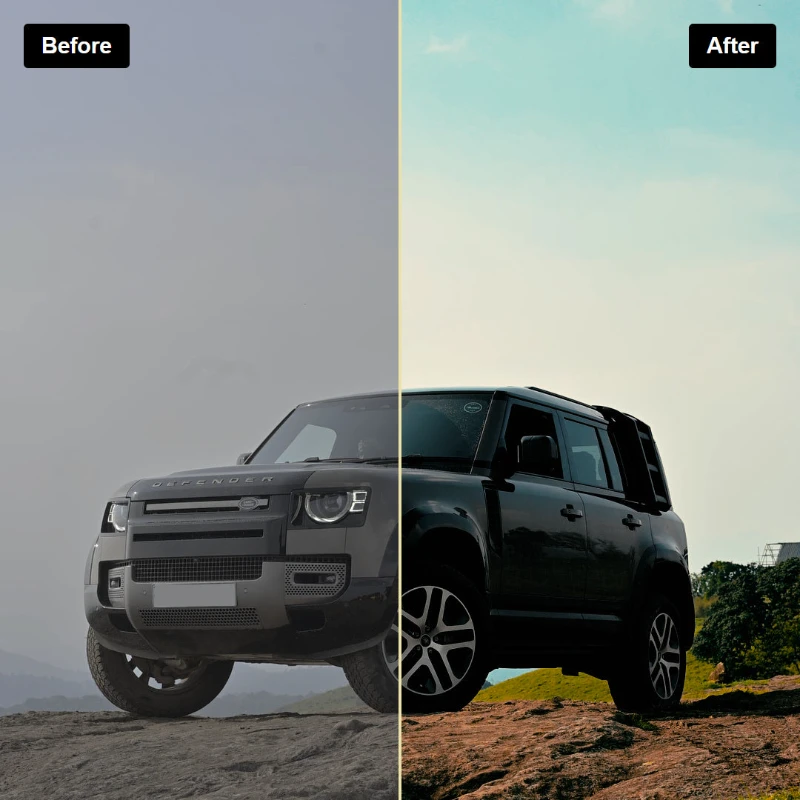
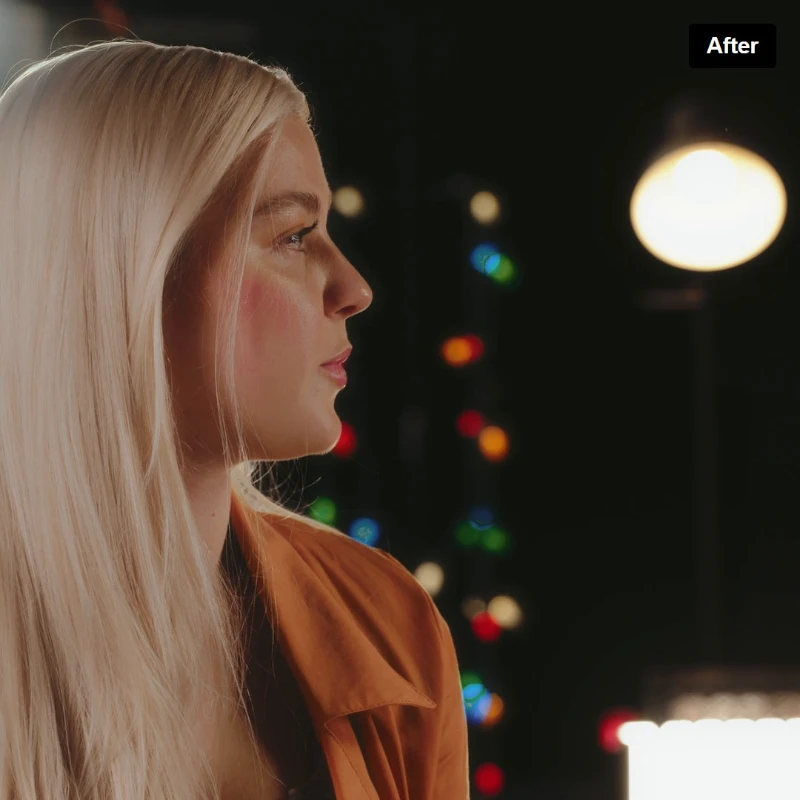
Fifteen cinematic looks that turn flat, everyday footage into film-like colour in one click. Celluloid gives you warm golden hours, clean natural skin tones and moody nights, on phone or camera footage.
Shooting Log or RAW? Convert to Rec.709 first.
Works with
 CapCutDesktop
 VN EditorMobile & desktop
 Premiere ProDesktop
 Final Cut ProMac
 DaVinci ResolveDesktop & iPad
 LumaFusionPhone & tablet
 After EffectsDesktop
 FilmoraDesktop
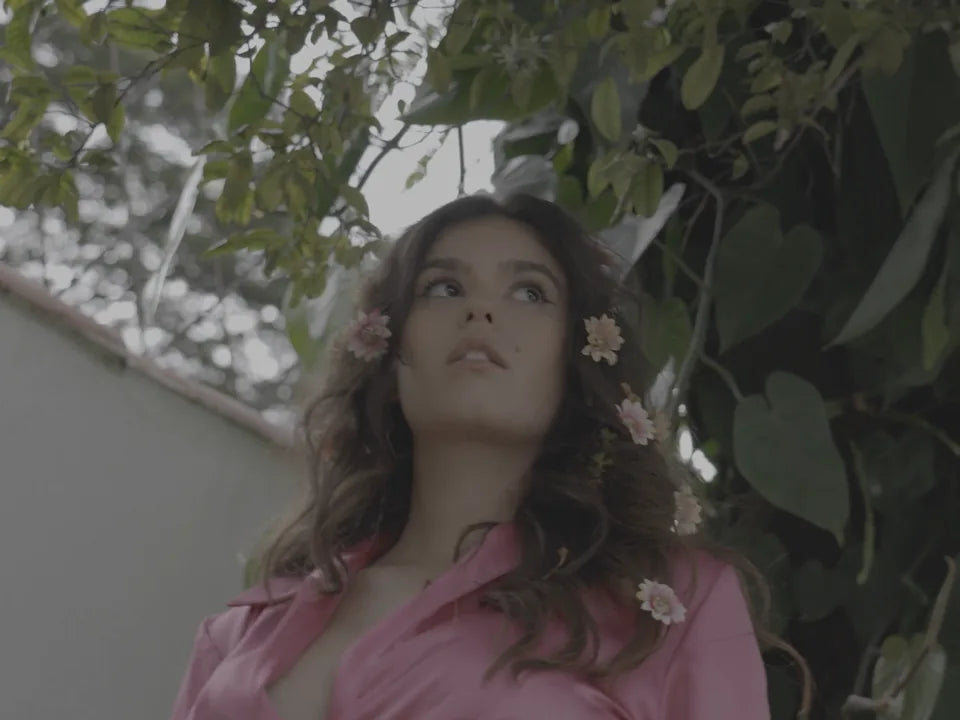
Drag the slider to compare. Tap a photo to switch scenes.
and more
Pick the workflow that matches your footage.
Workflow 01
Workflow 02
Messages from creators who have used our presets and LUTs over the years.
The colours look amazing straight out of the LUTs. Used them on a few outdoor clips and got a cinematic feel without spending too much time colour grading.
ArjunShoot and Show customer
Great collection for the price. The LUTs are easy to apply and gave my footage a much more polished look.
Rahul K.Shoot and Show customer
Loved the overall colour tones. I adjusted the intensity slightly to match my footage, and the results looked really good.
Neha SharmaShoot and Show customer
Perfect for creating a consistent look across my videos. The presets saved me time and made my workflow much smoother.
AdithyaShoot and Show customer
Been looking for LUTs that give a cinematic mood without making the footage look too artificial. These worked well for my editing style.
Vishnu R.Shoot and Show customer
Simple to use and delivers some really nice tones. A good addition to my editing toolkit, especially for travel videos and reels.
KevShoot and Show customer
The colour grading looks clean and professional. I like that I can tweak the strength depending on the footage.
Anjali ThomasShoot and Show customer
Good value for money. The LUTs gave my clips a more finished look and helped me get closer to the cinematic style I wanted.
Joel C.Shoot and Show customer
These LUTs made my editing workflow faster. The colours look great with a few minor adjustments, especially for cinematic outdoor shots.
NikhilShoot and Show customer
Really liked the overall look. The tones feel natural, and it's easy to experiment with different styles until you find the right one.
Fathima N.Shoot and Show customer
As soon as your payment goes through, we email you a download link. It usually arrives within a minute. Can't find it? Check your Promotions or Spam folder, or write to us and we'll resend it.
Any app that imports .cube LUTs, including Premiere Pro, Final Cut Pro, DaVinci Resolve, CapCut (desktop), VN, LumaFusion, After Effects and Filmora.
Yes, in phone apps that import .cube LUTs, such as VN and LumaFusion. In CapCut, LUTs work on the desktop app.
Yes. Convert the clip to Rec.709 first, using your camera maker's conversion LUT or your editor's colour space transform, then add the Celluloid look on top.
Every clip is shot in different light, so treat each look as a starting point. Lower the intensity, or adjust exposure and white balance, until it suits your footage.
Because the files are delivered instantly, we can't refund a change of mind. If your files don't arrive, won't open, or you're charged twice, we'll fix it or refund you in full. Read the refund policy.
Email [email protected] and we'll help you with downloads or setup.
These LUTs made my color grading workflow so much faster in CapCut. Really happy with the cinematic results!
The warm tones are my favourite. Gives a really nice film look without spending too much time colour grading.